Multi-colored Case Lights
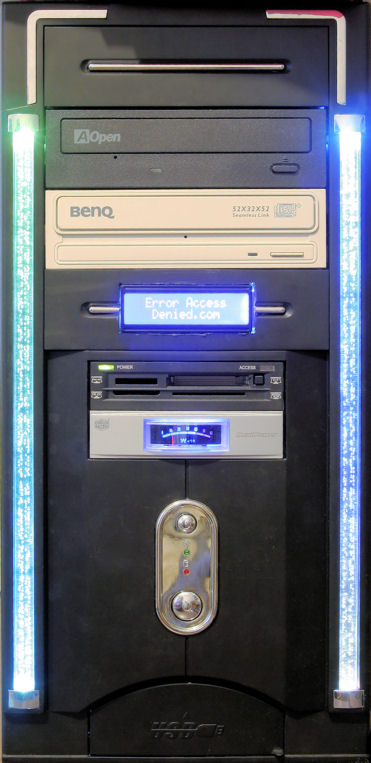
Well, here’s the front of my recently-rennovated computer case. By ‘rennovated’, I mean “replaced old-and-boring blue LEDs with the multicolor color-changing LEDs of coolness.
How I managed this was to:
- Remove the front of my computer case. There were four screws holding it firmly in place. It then snapped out.
- Unplug the case wires that were plugged into the motherboard
- Remove lightbars, which were held in with faux-metallic brackets
- Replace LEDs with Color-Changing LEDs
- Test the LEDs, and seal it all up with electrical tape
- Reinstall lightbars and brakets, reinstall the front cover, and reconnect the wires.

See more about these fun little LEDs here. The case front has 4 LEDs in it, so each side has a top and a bottom LED, making some interesting colors in the middle. Even more interesting, the little airbubbles in the plastic lightbars glow two colors: one for the top, and one for the bottom.